
July 21, 2026
How to Organize Scholarship Applications and Deadlines
TL;DR. To organize scholarship applications, put every award's deadline, requirements, status, and documents in one place — then add reminders so nothing depends on memory. A spreadsheet is a fine start, but it breaks once you're juggling a dozen awards with rolling deadlines and no alerts. A purpose-built tracker with deadline reminders and a document locker holds up better.
How do you organize scholarship applications?
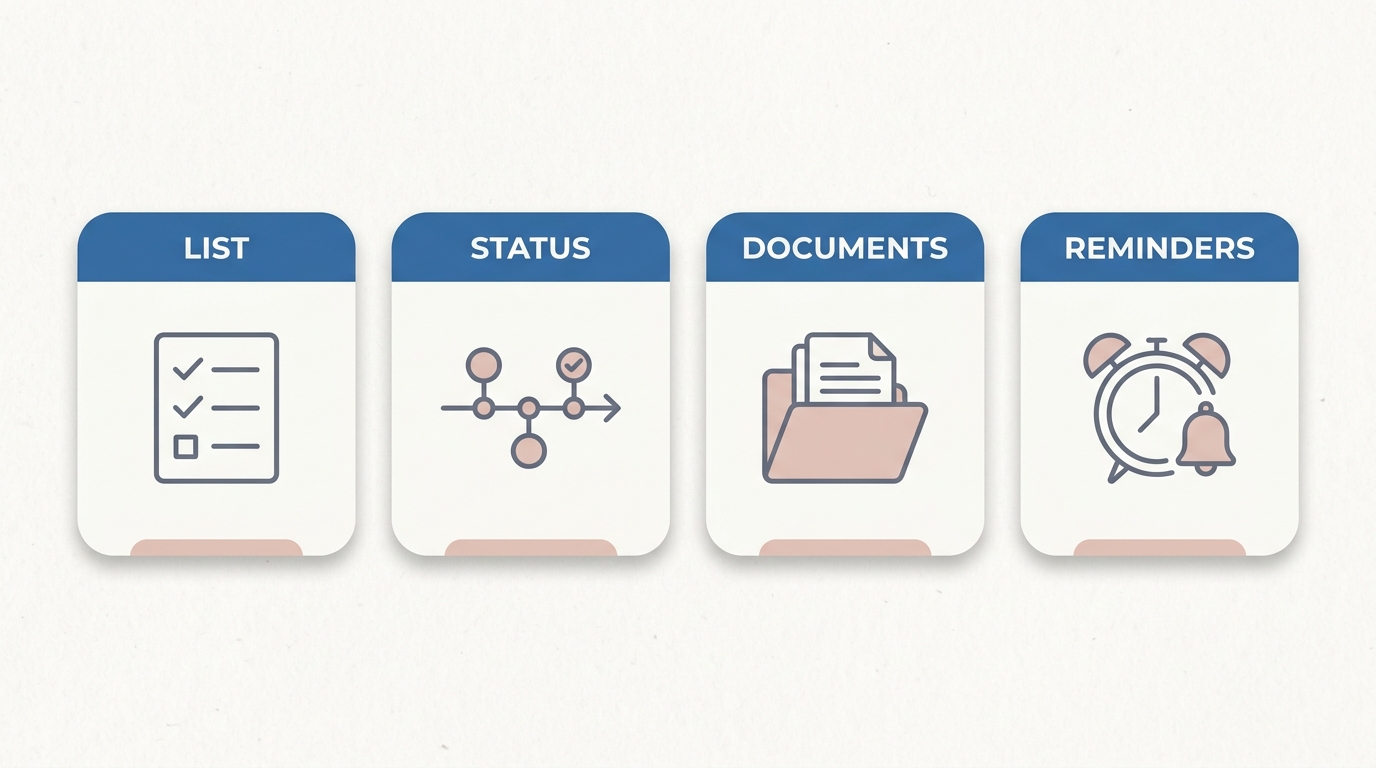
Organize them like a small project: keep one central list of every award, a clear status for each, your documents in one place, and reminders that reach you before each deadline. Four parts make any system work — miss one and applications slip through the cracks.
A list of every award you might apply to, sorted by deadline.
A status for each one — not started, in progress, submitted, waiting.
Your documents — transcript, resume, recommendation letters, and base essays — in one folder you can find fast.
Reminders that actually reach you a few days before each deadline, not a date sitting in a cell you forgot to open.
Everything below is how to build each part — whether you use a spreadsheet, a board app, or a purpose-built scholarship tracker. The tool matters less than picking one you'll keep updated.
What should a scholarship tracker include?
At minimum: scholarship name, application link, deadline, award amount, requirements, status, and a submitted or follow-up date. Those columns turn a pile of browser tabs into a sortable plan you can work down by date.
Scholarship name. The official name, spelled out so you never mix two up.
Application link. A direct URL to the award or its application page. This one column saves you hours of re-Googling names you half-remember.
Deadline. The most important field. Use one consistent date format (MM/DD/YYYY) so the whole list sorts cleanly.
Award amount. Useful for prioritizing, but not the thing that decides your odds — a smaller award with a smaller applicant pool is often the better bet.
Requirements. What each one actually asks for. The WSGC Undergraduate Scholarship, for example, wants a two-page statement and a transcript on top of the form — that's a very different afternoon than a one-click award, and your tracker should say so before you're surprised by it.
Status. Not started, in progress, submitted, waiting to hear. This is what tells you where to spend the next hour.
Submitted / follow-up date. When you sent it, and when to check back. More on why this matters below.
Before an award earns a row, make sure it's real: a legitimate scholarship never charges a fee to apply. If anything feels off, run it past our scholarship scam red flags guide before you enter your details.
How do you keep track of scholarship deadlines?
Sort your list by deadline and set a personal reminder a few days before each one — never the day of. The catch most students miss: a single award often has several dates, not one.
The University of Arkansas New Freshman Scholarships list three separate deadlines — a priority admissions date, a priority scholarship date about two weeks later, and a final date months after that. One award, three rows' worth of dates to miss.
The Mahoney Family Foundation Scholarship runs on a recurring cycle — a summer, fall, and spring deadline every year — so "the deadline" depends entirely on which term you're aiming for.
The WSGC Undergraduate Scholarship is offered twice a year, with dates that shift between the spring and fall cycles.
Two habits keep this from becoming chaos. First, set internal deadlines a few days before the real one, and break each application into smaller steps (draft the essay, request the letter, submit) with their own mini-dates. Second, watch for rolling deadlines — some awards review applications as they arrive and close early once enough come in, so "the listed date" can be later than the real one. When you want a low-competition, time-sensitive queue to work from, the closing-soon list surfaces awards with deadlines inside the next stretch.
Where a scholarship spreadsheet breaks down
A spreadsheet works until three things happen at once: the list gets long, deadlines start moving, and the spreadsheet can't remind you of any of it. Here's where the manual version quietly falls apart:
It never pings you. A deadline in a cell doesn't reach your phone. You still need a separate calendar or reminders app, and keeping two lists in sync is exactly the chore people drop first.
The upkeep decays. Most students update a spreadsheet religiously for two weeks, then stop. A stale tracker is worse than none, because you trust it and it's wrong.
One award, many dates gets tangled. The multi-deadline reality above turns tidy rows into a mess of "which date was this again?"
Your documents live somewhere else. The spreadsheet points at files scattered across Downloads, Drive, and your email — so you're still hunting for the right transcript at 11pm.
Follow-ups fall off. Nothing in a static sheet tells you "submitted three weeks ago, still waiting" or nudges you to confirm receipt.
None of this means a spreadsheet is bad. For a short, stable list of a handful of awards, it's genuinely enough. It just wasn't built to remind you, hold your documents, or update itself.
Spreadsheet, app, or a purpose-built scholarship tracker — which should you use?
Use whatever you'll actually keep updated. A spreadsheet is best for a short, stable list; a board app is best if you think visually; a purpose-built scholarship tool is best when the upkeep and reminders are the part you keep dropping.
Spreadsheet (Google Sheets or Excel). Free, flexible, and easy to share with a parent. The trade-off: you maintain every cell and every reminder by hand.
Board app (Trello, Notion). Visual cards with checklists, due dates, and attachments — great if a grid stresses you out. Still fully manual entry, and it knows nothing about scholarships specifically.
Purpose-built scholarship tracker. Keeps matched awards, deadlines, and applied-status in one place, with deadline alerts and a document locker so the upkeep isn't all on you. This is where a tool like ScholiBuddy fits — it matches awards to your profile, then keeps your saved awards, deadlines, and documents together, with reminders and a locker so nothing depends on you remembering to refresh a cell. The manual spreadsheet version works too; it's just more upkeep on you.
The honest rule of thumb: the best system is the one still updated in week six. If that's a spreadsheet for you, keep the spreadsheet. If the upkeep is where you keep falling off, that's exactly the job a purpose-built tracker is built to take off your plate.
How do you organize scholarship documents and essays?
Keep every reusable document — transcript, resume, recommendation letters, and your base essays — in one folder or locker, so you're never hunting for a file the night before a deadline.
One home for reusable files. A single folder (or a document locker inside your tracker) beats digging through Downloads every time an award asks for a transcript.
Keep one or two strong base essays. Most committees expect overlap between applications — reuse a solid personal statement and a "why this field" essay, and tweak the opening and closing per prompt instead of starting from scratch. The full pre-apply list is in our scholarship application checklist.
Name files clearly. "Smith_transcript_2026.pdf" beats "scan_final_v3.pdf" when you're uploading under a deadline.
What do you do after you submit a scholarship application?
Mark it submitted, save the confirmation, and set one follow-up reminder — then move to the next. Tracking doesn't end at submit; awards can email weeks later for a confirmation or a missing document.
Log the submitted date and flip the status to "submitted / waiting."
Save the confirmation email into that award's folder — proof you sent it, and the thread to reply to if something comes up.
Don't assume it's done. The money isn't yours until it actually posts; a quick follow-up beats silence.
Then keep going. Because most students who close a real funding gap do it across a stack of smaller awards — see are small scholarships worth applying to — the more you apply to, the more your system has to hold. That's the whole reason it's worth building one.
The honest version: no tool wins scholarships for you — each award is decided by its provider. What a good system does is make sure a deadline never slips and a document is never lost, so you actually finish the applications you start. If you'd rather not build the spreadsheet from scratch, you can start with a search that keeps your matches, deadlines, and documents in one place — start searching free, no card required.
Quick answers
How do I keep track of scholarship deadlines?
Sort your list by deadline and set a reminder a few days before each one — never the day of. Remember that one award can have several dates (priority, final, and rolling cycles), so a calendar or app that actually pings you beats a spreadsheet that can't.
What should a scholarship tracker include?
Scholarship name, application link, deadline, award amount, requirements, status, and a submitted or follow-up date. Those columns make your list sortable and tell you where to spend your next hour.
Should I use a spreadsheet or an app to track scholarships?
Use whatever you'll keep updated. A spreadsheet is great for a short, stable list; a board app or a purpose-built scholarship tracker wins when deadline reminders and upkeep are the part you keep dropping.
How often should I update my scholarship tracker?
Weekly. Pick one day to add new awards, update statuses, and check what's due next. A tracker you stop updating stops working — and a stale one you still trust is worse than none.
How do I organize scholarship essays and documents?
Keep your transcript, resume, recommendation letters, and one or two base essays in a single folder or document locker, and reuse the base essays per prompt instead of writing each from scratch. Name files clearly so uploads under a deadline are painless.
What do I do after I submit a scholarship application?
Mark it submitted, save the confirmation email into that award's folder, and set one follow-up reminder. Providers sometimes email weeks later for confirmations or missing items, so tracking doesn't end when you hit send.
Still searching for scholarships manually?
Find scholarships you actually qualify for — AI matches you in minutes. Free to start.
Find My Scholarships →